Category: Tutorial

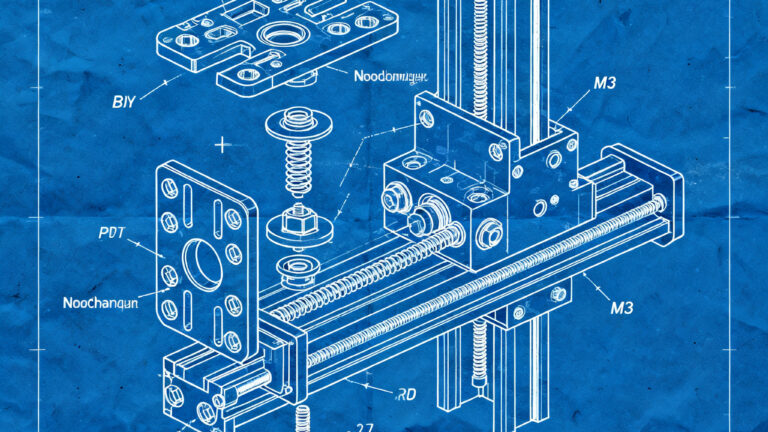
30€ and 2 days: here's how I built my tool changer

30€ and 2 days: here's how I built my tool changer

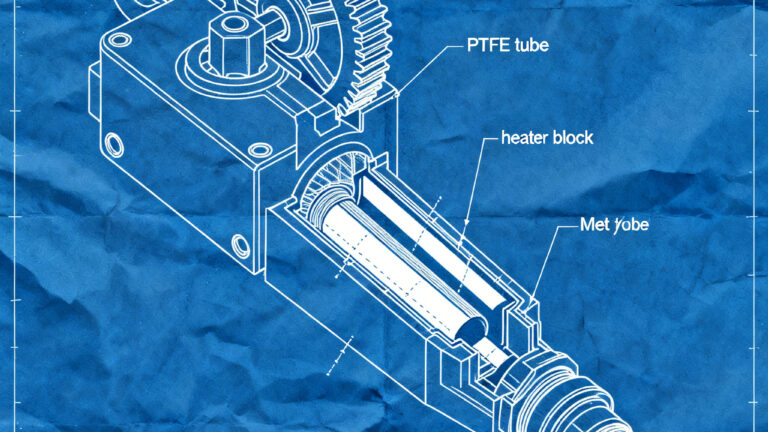
Practical guide to building a tool changer system for 3D printers with less than €30 and a weekend of work. Discover which components to buy, what to print, the critical tolerances to respect, and common errors to avoid to build a functional DIY tool changer.

Functional 3D fidget toys? Here's how to make them properly

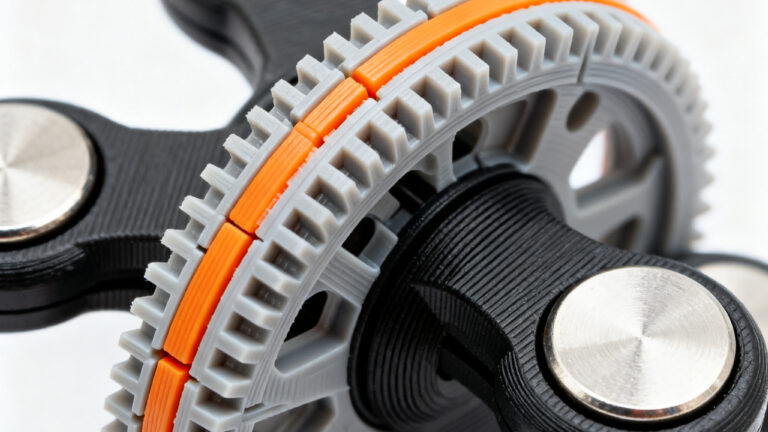
Functional 3D fidget toys? Here's how to make them properly

Guide to creating functional 3D fidget toys: choose tested models, use print-in-place and snap-fit with tolerances of 0.2-0.3 mm, and suitable materials: PLA for rigid clickers, PETG for stress, and TPU for soft grips. Calibrate the printer for durable results.

Refactoring without breaking changes? Here's how to verify it

Refactoring without breaking changes? Here's how to verify it

Refactoring 3D models without breaks: verify hierarchical constraints, test dependencies, and validate the STL. A three-level system to maintain parametricity and integrity before production.

How is a color created in Bambu Studio 2.5.3?

How is a color created in Bambu Studio 2.5.3?

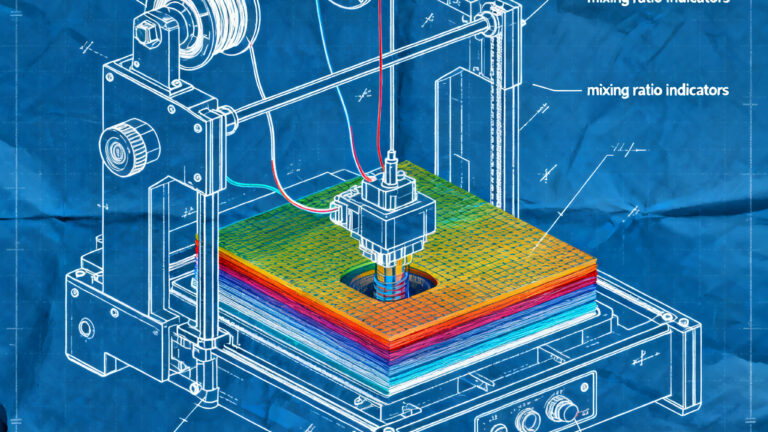
Bambu Studio 2.5.3 introduces Color Mixing: create custom shades by combining 2-3 filaments of the same type. Thanks to a software-controlled optical effect, it generates uniform colors or gradients without purchasing new spools. Requires compatible and translucent materials for optimal results.

Mix colors without threads? Here's how

Mix colors without threads? Here's how

The new color mixing tool in Bambu Studio allows you to obtain infinite shades by combining different filaments without physical fusion, leveraging the controlled alternation of layers. Through the Add Mixed Filament function, it is possible to create custom gradients with a few spools, ideal for visual effects and soft gradients. The result depends on the Transmission Distance and the geometry

Touch keys in 3D printing? Here's how to do it

Touch keys in 3D printing? Here's how to do it

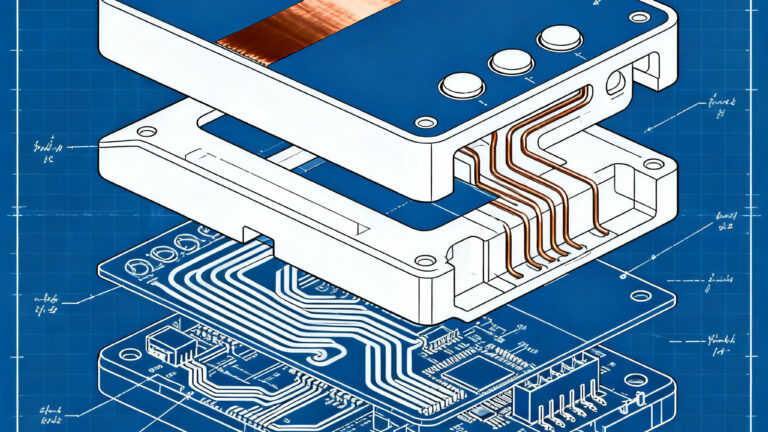
Here's how to integrate touch keys into your 3D printed objects using self-adhesive copper tape and scheduled pauses during printing. Working capacitive sensors are created with simple measures: three-layer depth positioning, holes for electrical connections, and post-print soldering. An economical and accessible solution for integrated touch interfaces.

Nozzle and Gcode: Advanced Techniques for Precision in 3D Printing

Nozzle and Gcode: Advanced Techniques for Precision in 3D Printing

Optimizing nozzle and G-code is essential for precise 3D printing. The choice of nozzle diameter, extrusion calibration, and the correct use of G1, M109/M104 commands allow for avoiding defects and improving quality. Advanced techniques like Blender simulation and custom nozzles open new possibilities in areas such as food or ceramics.

Managing Software and Firmware Updates for Printers: A Technical Operational Guide

Managing Software and Firmware Updates for Printers: A Technical Operational Guide

Updating printer firmware and software is essential to prevent errors, optimize materials, and improve efficiency. Neglecting them can cause waste, interruptions, and a drop in quality. Following an accurate procedure, with testing and backups, allows you to fully leverage technological advantages and extend the life of the machines.

How to Integrate Consumer and Educational 3D Resources into Your Projects

How to Integrate Consumer and Educational 3D Resources into Your Projects

Integrate free or premium 3D resources into your educational or consumer projects to accelerate development and innovation. Choose suitable platforms, verify quality and licenses, and optimize the workflow for professional results.

How 3D Modeling Tools Work for Youth Education

How 3D Modeling Tools Work for Youth Education

3D modeling tools are revolutionizing youth education, making STEAM learning more visual, interactive, and engaging. Through intuitive interfaces and complete design cycles, students transform ideas into physical objects, developing technical and creative skills from primary school. Software like BlocksCAD and SelfCAD combine geometry, coding and s

Practical Guide to CAD Software for 3D Printing: Choose, Design, and Optimize Your Models

Practical Guide to CAD Software for 3D Printing: Choose, Design, and Optimize Your Models

Quick guide: choose the right CAD to print in 3D without errors. From free models (Tinkercad, Fusion 360) to modeling rules, you get to optimized printing in a few hours.

Diagnosing and Resolving Failures in 3D Print Post-Processing

Diagnosing and Resolving Failures in 3D Print Post-Processing

3D post-processing failures cause scrap and costs. Identifying causes (washing, curing, finishing) and applying visual/metrology diagnostics reduces errors, optimizes processes, and cuts scrap.

/