Editorial contribution by PrintWhat Team
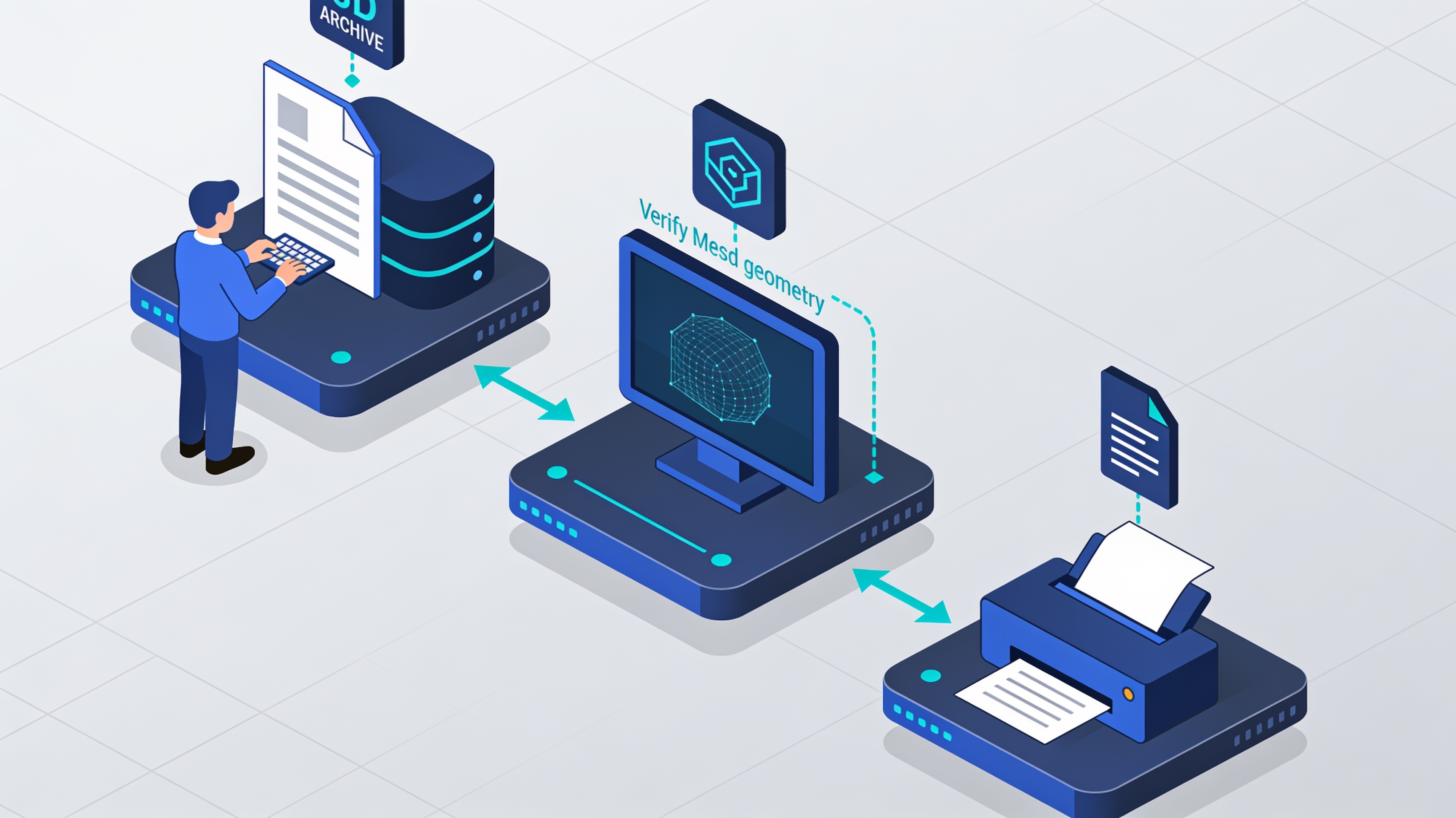
Anyone who 3D prints knows it well: the right file almost always already exists, but it is scattered across multiple platforms, under different names and licenses. This article proposes a simple method to search for it efficiently and verify it before printing. We will also see why searching for and sharing files is particularly important in the world of open-source printers, such as Voron and RatRig, and in the related ecosystem based on Klipper firmware.
1. Why searching on a single site is not enough
The main 3D model repositories, such as Thingiverse, Printables, MakerWorld, Thangs and others, have different communities, rules and habits. A designer may publish on a single platform or on more than one, with different descriptions: what a search does not find on one site may be found elsewhere.
Moreover, titles are written by people and do not follow a single catalog: a “cover” may appear as cover, cap, lid, plug o cap.
For this reason, searching multiple archives increases the chances of finding the right model, especially when you only partially know the shape or function of the object.
2. A five-step method
- Describe the object in more words. Indicate the function (“cable support”), the interface type (“6 mm D-shaft”), and, if known, the product model. Also try English synonyms, because many descriptions are in English.
- From specific to general. Start with the most specific search (model + component) and broaden it progressively only if necessary.
- Search multiple archives. You can do this manually, site by site, or use a search engine that queries multiple archives, such as PrintWhat. There are also other tools with similar functions. In any case, always open the original page before downloading the file. If you start from a photograph, remember that it is not necessarily possible to find a model by directly comparing the image with STL files: some tools, such as PrintWhat, instead use the photo to help formulate text queries that must then be verified on the original platforms.
- Check the original page. Check the description, declared dimensions, available formats (STL, STEP, 3MF), version notes, photographs of users' prints, and comments. A similar preview is weak evidence; a dimension declared by the designer, compared with a real measurement taken with calipers, is much more reliable evidence.
- Read the license. Many models use Creative Commons licenses. CC BY allows reuse, including commercial use, with attribution; CC BY-SA requires that adapted and distributed works be shared under the same license; NC variants exclude commercial use, while ND variants do not allow distribution of modified versions. Always refer to the license indicated on the original page. To learn more: https://creativecommons.org/share-your-work/cclicenses/.
A concrete example
Let's take a very everyday object: a fruit fly trap.
On Thingiverse there are, among others, three distinct models. Titles, authors, and licenses were verified on the original pages on 3 November 2026. We cite them with the relevant link and credit to the author, without reproducing their images or descriptions:
- «Fruit fly trap for any glass» by r00kies, CC BY 4.0 license: https://www.thingiverse.com/thing:4566616. According to the designer, it is suitable for glasses with an inner diameter greater than 62 mm and an outer diameter less than 90 mm. The OpenSCAD file can be modified to adapt it to other measurements.
- «Fruit Fly Trap for standard PET bottles» by Cemploy, CC BY-SA 4.0 license: https://www.thingiverse.com/thing:6844279. It is designed for common PET bottles.
- «Shot glass fruitfly trap» by peteruithoven, CC BY 4.0 license: https://www.thingiverse.com/thing:4968761. These are simple cones for shot glasses.
A trivial object, but the example shows two important aspects: the right file depends on the container you actually have (the stated capacity matters more than the preview) and the license determines what you can do afterward, from modifying the model to selling the prints.
The license stated on the original page always applies.
3. From the maker community to design: the role of open source printers
In the world of open source 3D printers, the availability and proper management of files take on particular importance: many machine components are designed to be printed, modified, and shared by the community.
Projects such as Voron Design (https://vorondesign.com/) and RatRig (https://ratrig.com/) represent two significant examples of this approach.
Voron provides complete printer designs, documentation, and guides for sourcing components. The related repositories are published on GitHub (https://github.com/VoronDesign), with licenses that must be verified for each project. The community also contributes modifications, accessories and custom solutions.
RatRig, on the other hand, offers kits and components for building printers, such as the V-Core family. Also in this ecosystem, user-developed modifications and printable parts are widespread, which require attention to compatibility with the specific version of the machine.
A common element across these projects is the use of Klipper (https://www.klipper3d.org/), a firmware that delegates part of the calculations needed to control movements to a host computer, for example a Raspberry Pi, working together with one or more microcontrollers. Its features include a configuration based on text files, support for functions such as Input Shaping and Pressure Advance, and integration with web interfaces such as Mainsail and Fluidd.
In this context, finding the right file does not only mean identifying a component with the right shape. It also means verifying that it belongs to the correct revision, that it is compatible with the machine's configuration, and that the conditions of use allow any modifications and redistributions.
Not only makers: applications also in professional design
Searching for 3D models in public archives is not exclusively for enthusiasts. It can also be useful to designers, planners and professionals who use 3D printing to develop ideas, create prototypes or speed up certain design activities.
An already available model can become a starting point for developing a new product, checking a footprint, studying an interface or creating a custom component.
Also in a business context, archives can offer interesting ideas for making jigs, positioning masks, assembly supports, custom equipment and accessories for workstations.
When a ready-made model does not exist, or the available one requires substantial modifications, the search can become the starting point for a design activity. It is possible to modify an existing file, adapting its dimensions and geometries, or to develop a completely new model starting from measurements, drawings or photographic references. In fact, 3D printing offers a path that is not limited to finding and downloading files, but also includes their customization and the development of new solutions.
Naturally, in these cases it is even more important to check dimensions, geometry, material, compatibility and conditions of use of the license. A file found online can be a valid starting point, but it does not replace the design and validation required for a professional application.
4. The limits to keep in mind
- A text search finds only what has been published and described: a good model may exist under a name we have not tried.
- Previews and titles do not replace measurements: a file may refer to a different revision of the product or printer.
- The parts of a printer, especially structural, thermal or electrical ones, require suitable materials and parameters. It is always advisable to follow the official project's instructions, not only those given in the datasheet of a single modified component.
- Likes, downloads and prints made by other users do not constitute a safety certification.
- Information on prices, availability and manufacturers' kits changes: it is advisable to verify it on their respective official websites.
- The models mentioned in the example were not printed by the authors of this article: the information reported comes from the designers' original pages.
5. Quick checklist
Before downloading and using a 3D model, it can be useful to follow this simple list:
- Describe the object with 3–5 queries, from specific to general.
- Search across multiple archives and always open the original record.
- Compare at least one stated dimension with an actual measurement.
- Check the license and any attribution requirements, keeping the author, title, URL, and license details.
- For printer parts or professional applications, check revision, material, compatibility, and technical documentation.
- Make a test print before proceeding with larger-scale production.
The availability of public archives and communities that share their projects is one of the great opportunities of 3D printing. Knowing how to find the right file, verify it, and understand its terms of use allows these resources to be used better, both in the maker world and in professional design.
Sources
- Creative Commons, summary of licenses: https://creativecommons.org/share-your-work/cclicenses/
- Voron Design: https://vorondesign.com/
- Voron Design, GitHub repository: https://github.com/VoronDesign
- RatRig, official website: https://ratrig.com/
- Klipper, official documentation: https://www.klipper3d.org/Features.html
- Thingiverse, «Fruit fly trap for any glass» by r00kies: https://www.thingiverse.com/thing:4566616
- Thingiverse, «Fruit Fly Trap for standard PET bottles» by Cemploy: https://www.thingiverse.com/thing:6844279
- Thingiverse, «Shot glass fruitfly trap» by peteruithoven: https://www.thingiverse.com/thing:4968761
Images: use original material or images for which reproduction rights have been verified. For images from the Voron, RatRig, and Klipper projects, check the reuse conditions indicated by the respective sources.