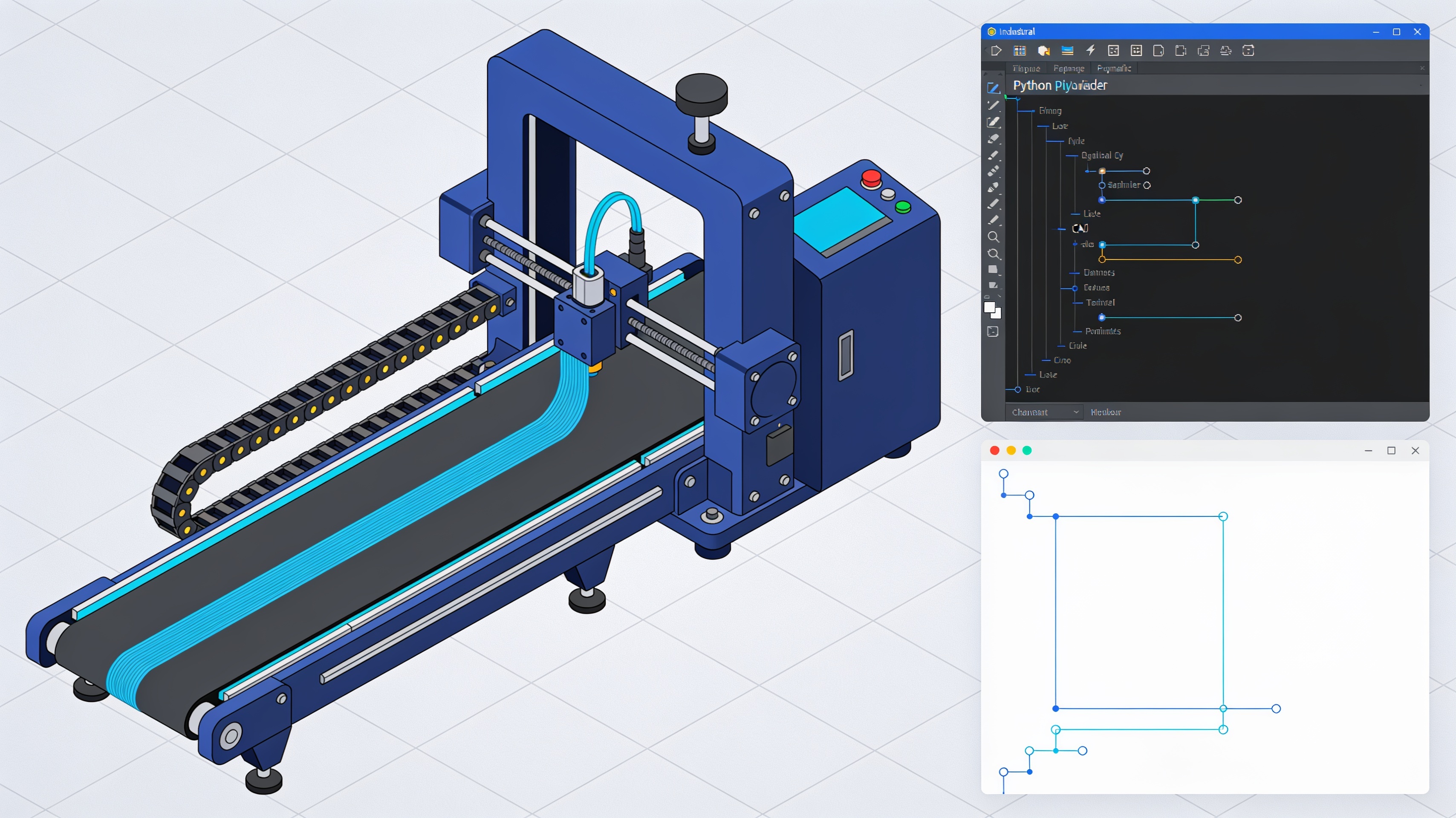
OrcaSlicer 2.5.0 Alpha and Beta: Python plugins, parametric CAD and belt printing
OrcaSlicer 2.5.0 represents the most feature-rich release in the slicer's history, with over 950 pull requests merged from more than 140 contributors. The Alpha and Beta versions introduce Python plugins, integrated parametric CAD and native support for belt printers.
New features in the Alpha version
The Alpha version of OrcaSlicer 2.5.0 brings innovations that change the way you work with the slicer. The most relevant features concern the software's extensibility and new integrated design tools.
- Python plugins to extend the slicer without forks
- Speed Dial: universal search with the Space key
- Design tab: integrated parametric CAD
- Native support for belt printers
- Color mixing and Texture Displacement
Python plugin: extensibility without forks
OrcaSlicer 2.5.0 introduces the Python plugins, an official system for adding custom functionality without maintaining modified versions of the software. A plugin can run scripts with one click, intervene during slicing to modify layers or rewrite the G-code, add custom tabs or panels, or react to events such as the end of a print.
Plugins are installed from the Plugins, by loading them from files or from Orca Cloud. The system always requires the user's permission before performing operations.
Speed Dial: everything just a search away
The feature Speed Dial makes any command, setting, or plugin accessible with a simple search. By pressing the Space bar on any page (except when typing in a text field) or by selecting Open Speed Dial from the menu, a universal search opens.
Just type a few words and press Enter to immediately perform the desired action.
Design tab: integrated parametric CAD
The new Design tab introduces a complete parametric CAD system directly into the slicer. You can draw on the print plane, on reference planes, or on faces of existing solids, using lines, rectangles, arcs, circles, slots, splines, and other tools.
The system includes constraints and dimensioning with a solver that shows the remaining degrees of freedom. Extrusion, revolution, sweep, and loft operations transform profiles into solids, which can be refined with fillets, chamfers, shelling, drafts, and holes.
Belt printing
OrcaSlicer 2.5.0 Alpha introduces native support for belt printers, which print on an inclined conveyor belt instead of a fixed bed. Profiles are included for Printcepts BabyBelt Pro, IdeaFormer IR3 V2, and a Generic Belt Printer profile adaptable to other machines such as the CR-30 family.
Belt printing-specific options are found in Printer settings → Basic information → Belt printer, in Advanced mode.
Beta version improvements
The Beta version builds on Alpha with new features to avoid collisions, optimize toolpaths, and speed up slicing. It also includes fixes for many issues reported after the Alpha release.
Toolhead collision volumes
I toolhead collision volumes allow printer profiles to define obstacles above the print bed such as clips, tool docks, or camera arms. The feature Toolhead collision volumes is located in Printer settings > Basic information > Printable space, under Excluded bed area.
The Arrange feature, brims, most supports, and travel movements automatically avoid these zones.
Arc fitting for sparse infill
The’arc fitting becomes a drop-down menu with three options: Disabled, Enabled e Sparse infill only. The new mode converts only sparse infill into G2/G3 arcs, reducing G-code size for curved patterns such as Gyroid, TPMS or chamfered infill, while walls, surfaces, supports and wipe tower keep linear segments.
High precision G-code
A new experimental option, High precision G-code, stabilizes extrusion with small nozzles and very thin layers, where every movement extrudes minimal amounts of material. In the author's test on a cylinder, the flow variation on the outer wall dropped from 1,2% to 0,09%.
The system writes positions with 4 decimal places instead of 3 and extrusion axes with 5 decimal places instead of 4.
Slicing optimizations
The Beta version significantly speeds up slicing on detailed models. G-code export is much faster at determining which object each extrusion belongs to. Internal bridge detection uses a quick check for most layers before resorting to full analysis.
These optimizations drastically reduce slicing times on complex models such as HueForge reliefs.
Alpha vs Beta: what changes
| Characteristic | Alpha | Beta |
|---|---|---|
| Python plugin | Introduced | Stabilized |
| CAD design tab | Experimental | Improved |
| Belt printing | Basic support | Optimized |
| Collision volumes | None | Implemented |
| Arc fitting infill | On/Off | Three modes |
| Slicing performance | Standard | Optimized |
Alpha introduces innovative and experimental features. Beta stabilizes them, fixes reported bugs, and adds performance and quality optimizations.
How to try pre-releases
Alpha and Beta versions are pre-releases intended for testing. They may contain bugs and unstable behavior. Always make a full backup of profiles before installation.
Before installing a pre-release, export all custom printer, filament, and process profiles. Pre-releases may change the profile format or introduce temporary incompatibilities.
Test new features on non-critical prints before using them for important projects. Report any issues on GitHub to help improve the software.
article written with the help of artificial intelligence systems
Q&A
What are the Python plugins introduced in OrcaSlicer 2.5.0?
Python plugins are an official system for adding custom functionality without maintaining slicer forks. They can run scripts, modify layers during slicing, rewrite G-code, add custom panels, or react to events such as the end of a print. They are installed from the Plugins menu from files or from Orca Cloud, with user permission required.
How does the Speed Dial feature in OrcaSlicer 2.5.0 work?
Speed Dial is a universal search that makes any command, setting, or plugin accessible. It opens by pressing the Space bar on any page (except in text fields) or from the Open Speed Dial menu. Just type a few words and press Enter to execute the action.
What CAD tools does the new Design tab offer?
The Design tab integrates a complete parametric CAD system into the slicer. It allows drawing on the build plate, reference planes, or solid faces with lines, rectangles, arcs, circles, slots, and splines. It includes constraints, dimensioning with a degrees-of-freedom solver, and operations such as extrude, revolve, sweep, loft, fillets, chamfers, shells, drafts, and holes.
Which belt printers are supported in OrcaSlicer 2.5.0?
OrcaSlicer 2.5.0 Alpha introduces native support for belt printers that print on an inclined conveyor belt. Profiles are included for Printcepts BabyBelt Pro, IdeaFormer IR3 V2, and a Generic Belt Printer profile.
How many pull requests and contributors are involved in OrcaSlicer 2.5.0?
OrcaSlicer 2.5.0 is the most feature-rich release in the slicer's history, with over 950 pull requests merged from more than 140 contributors.