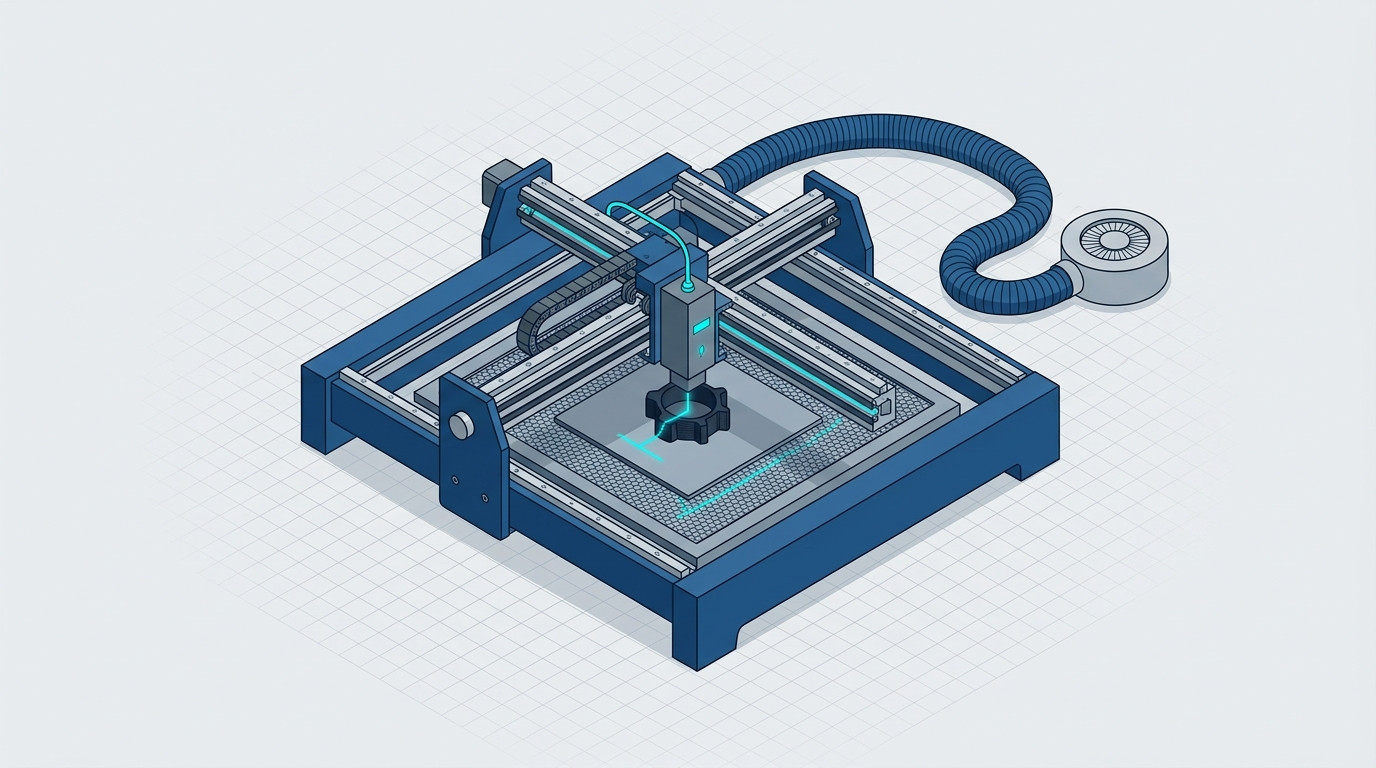
When talking about additive manufacturing, the mind almost inevitably runs to 3D printing. FDM, SLA, SLS, technical materials, polymers, resins, metals: in recent years, the concept of digital production has expanded enormously.
But there is an aspect that deserves more attention: additive manufacturing does not necessarily have to end when printing is finished.
Engraving, marking, customization, cutting of complementary materials, and finishing can add value to a printed component, a finished product, or a digitally made object. And it is precisely in this space that, in my opinion, diode lasers represent a particularly interesting complement.
Among the systems that best interpret this philosophy is AlgoLaser, a manufacturer specialized in diode lasers that has also built a proprietary software ecosystem around the hardware, AlgoOS, with the goal of making the technology usable not only by expert users, but also by those approaching laser processing for the first time.
The laser as a complement, not as an alternative to 3D printing
This is, in my opinion, the most interesting way to look at a diode laser.
A 3D printer builds a component. The laser can add information, identification, aesthetics, or functionality.
Think, for example, of an FDM component printed in PLA: after printing, it can be personalized with a logo, an identification code, a name, a progressive number, or a graphic element. Feasibility naturally depends on the material, color, surface, and the polymer's response to the specific wavelength: not all filaments are equally suitable, and tests and correct parameters are necessary.
The same principle can be applied to parts produced with other additive technologies, to containers, jigs, masks, panels, packaging, or functional elements.
The value, therefore, is not simply “having another machine.” It is adding a second technology to the digital workflow.
From the hobbyist to the laboratory
The first application level is that of the maker.
Here the laser can be used to create nameplates, keychains, decorations, panels, stencils, customized packaging, wood or plywood elements, leather, cardboard, acrylic, and many other materials. AlgoLaser documentation shows a wide range of workable materials, with preset parameters and dedicated libraries.
It is interesting, however, to observe how the same technology can grow together with the user.
In a laboratory, for example, the laser can become a tool for:
- identifying prototypes and components;
- creating masks and jigs;
- engraving panels and containers;
- customizing 3D printed parts;
- preparing packaging elements;
- producing small batches;
- producing nameplates and markings;
- creating QR codes and barcodes;
- working rapidly on materials not intended for 3D printing.
The AlgoLaser app indeed integrates tools for text, patterns, QR codes, barcodes, and puzzles, as well as file management and processing parameters.
The conceptual leap is important: the laser is no longer necessarily a machine to be used only when you need to “engrave something”. It can become a digital production tool complementary to the 3D printer.
And then the company arrives
At a professional level, the issue becomes even more interesting.
A company can already have an industrial or desktop 3D printer, a CNC, 3D scanning systems, and CAD/CAM tools. Adding a diode laser to the workflow means adding a relatively compact and flexible technology for certain customization and finishing operations.
The AlgoLaser family includes solutions with very different features: from the compact Pixi, with a 100 × 100 mm work area, up to systems like the Alpha MK2, available with higher power and larger work areas. The range also includes configurations and accessories designed for different needs.
It is precisely the possibility of building the system around the application that I consider one of the most interesting aspects.
Honeycomb platforms, rotary rollers and chucks, enclosures, air assist, suction and purification systems, cameras, and other accessories can be combined in different configurations. AlgoLaser indeed offers kits and accessory combinations designed to adapt the machine to the user's workflow.
In other words, it is not necessarily the user who has to adapt their process to the machine: it is the machine that can be configured for the process.
The real difference? It's not just the laser
If I had to identify the element that most distinguishes the AlgoLaser approach, I would not necessarily choose the power of the laser module.
I would choose the interface.
A laser can be an extremely powerful machine but also extremely inaccessible. Traditionally, those who approach this world must deal with software, parameters, speeds, power, steps, focusing, positioning, and a series of variables that can turn an apparently simple operation into a small technical project.
AlgoOS tries to shift this balance.
The machines can be managed directly from the touchscreen, without the need to keep a computer connected. It is possible to transfer files, choose the material and available parameters, position the work, and start engraving or cutting. The most recent versions of AlgoOS also include error management functions, resuming work after an interruption, and firmware updates.
This does not mean that the professional user has to give up advanced tools.
And it is here that the philosophy becomes particularly interesting.
Simple when needed, professional when needed
AlgoLaser allows you to choose different levels of interaction.
For those who simply want to make an engraving, the touchscreen may be enough.
For those who prefer working from the smartphone, there’s the AlgoLaser app, which allows you to control the machine via Wi-Fi and offers import, editing, and job management functions.
For those who instead work professionally and want to maintain their own workflow, software such as is also available. LightBurn and LaserGRBL.
It is a feature I consider fundamental.
A good system should not force all users to work in the same way. The beginner should be able to start without being an engineer, while the expert user should be able to go deeper and maintain control over the parameters.
In this sense, the combination of touchscreen, app, Wi-Fi, and desktop software probably represents one of the most successful aspects of the AlgoLaser ecosystem.
The “load, choose, work” model
The most significant simplification is almost trivial in its immediacy.
I take a file.
I transfer it via USB or Wi-Fi.
I choose the material and the available settings.
I check the positioning.
I start.
It is an approach that brings the laser closer to the logic of a digital peripheral rather than that of a traditional industrial machine.
Naturally, this simplicity does not eliminate the need to know the process. Laser, materials, fumes, safety, power, and parameters always require attention. The presence of presets does not mean that every material can be processed automatically in any condition. The same manufacturer provides parameter tables and specifications for different materials and machines.
But the difference is that the user can start from an already structured base rather than from a completely blank page.
A versatility that also applies to additive manufacturing
The concept of versatility is probably the one that best describes the value of this platform.
We are not only talking about wood. Depending on the model, power, material, and parameters, AlgoLaser systems can work on or engrave wood, plywood, MDF, cardboard, leather, fabrics, acrylic, cork, coated materials, some metal surfaces, stone, ceramic, and other compatible materials. For transparent or particularly reflective materials, specific conditions are required and, in some cases, appropriate supports or treatments.
And it is precisely here that the connection with 3D printing becomes concrete.
A laboratory can print a component, assemble it, verify it, and then use the laser to add identification or personalization.
A designer can create a series of prototypes and distinguish them with progressive markings.
A manufacturer can create small series of customized objects.
A maker can print an object and turn it into a finished product through an engraving phase.
A company can use marking to physically link a component to its digital data via QR code or identifier.
The additive process, in this way, does not end with the deposition of the material.
The real opportunity is in the workflow
This is why I consider it reductive to think of diode lasers simply as "engraving machines".
In the context of digital manufacturing, their value lies in the ability to occupy a space that 3D printing does not cover equally well.
The 3D printer is excellent when you need to create geometry.
The laser is extremely interesting when you need to modify a surface, identify an object, customize it, create a flat element, or quickly work on a compatible material.
These are two different technologies that can coexist in the same production environment.
And AlgoLaser, from my point of view, interprets this convergence well because it does not focus only on hardware, but builds around the machine an ecosystem made up of software, apps, touch interface, connectivity, and accessories.
From maker to production: the same philosophy changes scale
Perhaps the most interesting fact is that the same concept can accompany very different users.
For the hobbyist, it means being able to start without specialized technical training.
For the laboratory, it means having an additional fast and flexible tool.
For the professional, it means being able to choose between a simplified interface and more advanced software workflows.
For the company, it means having a complementary technology to integrate into customization, prototyping, identification, and small-scale production processes.
This scalability of use is, in my opinion, the real strength.
I would not say that the diode laser should replace a 3D printer, a CNC, or an industrial laser. That would be a simplistic conclusion.
I would say instead that can complete a digital manufacturing ecosystem, especially when the goal is to move from part production to product production.
And this is where AlgoLaser becomes interesting.
Not so much because it makes the laser “easy” — even though it certainly makes it more accessible — but because it tries to remove complexity where it doesn't create value, leaving it available where it is needed.
For a maker, it can mean uploading a file and engraving.
For a lab, it can mean customizing dozens of pieces.
For a company, it can mean adding a digital processing step to its process.
3D printing builds. The laser completes.
And it is precisely this complementarity, more than the single machine, that I consider the most interesting reason to look at diode lasers today within the world of additive manufacturing.