SolidCraft v0.41.0: plugins arrive and improvements for fillet and sheet metal
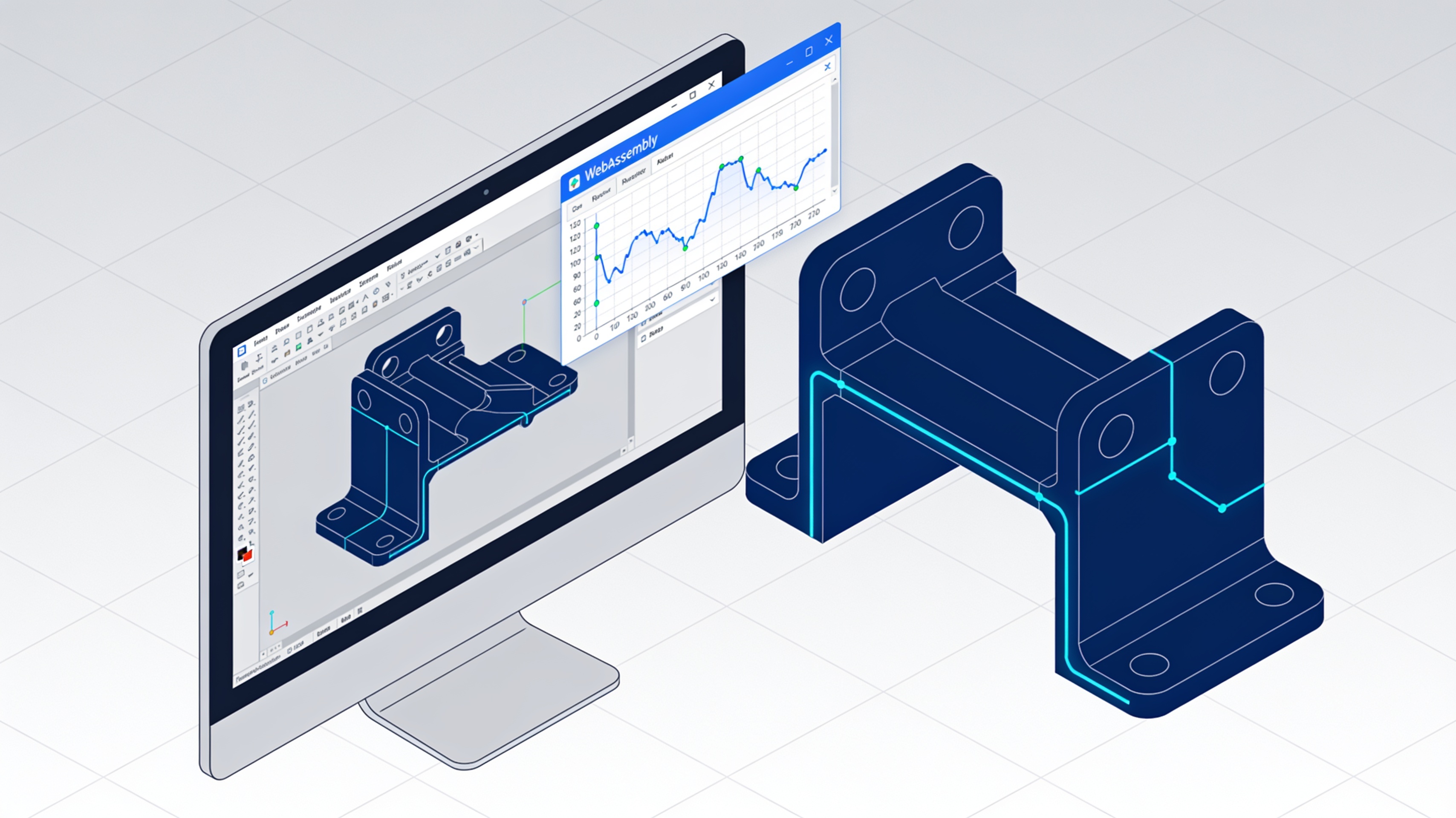
The open-source parametric CAD developed in Rust introduces WebAssembly plugin support, a dialog for assembly constraints, and critical fixes for fillet operations and STEP import.
SolidCraft v0.41.0 represents a significant step for the open-source CAD project by Tangency Labs. The release introduces a plugin system for the first time, along with substantial improvements in fillet management, STEP import, and sheet metal operations.
The software, written in Rust, enables parametric 3D modeling through sketches, constraints, and extrusions. The timeline rebuilds automatically when a parameter is modified.
- WebAssembly plugin system with sandbox and permission control
- Constrain dialog for part assembly
- Split Face along closed shapes
- Snap points on centers, midpoints, and endpoints
- Blender-style trackpad input
Plugin system: first implementation
SolidCraft introduces sandboxed WebAssembly plugins that operate exclusively through the software's native commands, with memory and fuel limits to prevent abnormal behavior.
Plugins use the API craft:plugin@0.1.0, an experimental version that operates only through SolidCraft's native commands, the same ones used by scripts and AI agents.
Each plugin runs without network access. Fuel and memory limits block any runaway plugins. A plugin execution corresponds to a single undo step.
Installation is via .zip files from the Preferences › Plugins menu or from the dedicated Plugins menu. The system shows the required permissions before installation.
SolidCraft Gears is the first official plugin: an involute gear generator. Available on GitHub as a .zip file to install via Preferences › Plugins.
Assembly: Constrain dialog
The new assembly constraints dialog allows you to select faces, edges, points, planes, or axes on two different parts and apply relative positioning rules.
The system offers only the rules compatible with the selected elements: Mate, Flush, or Distance. The dialog lists the constraints already existing between the two parts and allows you to modify, suppress, or delete them.
This feature simplifies the precise positioning of components in complex assemblies. Snap points support centers, midpoints, and endpoints of edges, faces, and sketch curves.
Split Face and sketch improvements
The new Loops option joins the curves of a sketch from endpoint to endpoint, allowing faces to be split along closed profiles made up of lines and arcs.
Split Face now handles complex closed shapes. The function splits the face only along the specified closed contour, without unwanted fragmentation.
Snap points are now available in all tools: Construct Point, Axis, Plane, sketch tools, joints, and positioning points for Box, Sphere, and Torus. Construction automatically follows the points when the model changes.
Trackpad input and navigation
The Blender-style implementation enables two-finger orbit and Shift + two-finger pan, replicating the behavior of the 3D modeling software.
The Blender navigation preset introduces trackpad controls familiar to users of the modeling software. A new opt-in setting allows you to rotate the view by twisting two fingers.
This standardization of controls reduces the learning curve for those coming from other CAD or 3D modeling environments.
Fixes from v0.40.1
The previous release had resolved critical issues with copy-paste, loft between parallel sections, and shells of pointed cones.
v0.40.1 had restored copy and paste functionality in the desktop application, which was blocked by v0.40.0. Cuts through body edges now also work with sketches positioned only a few micrometers away.
Lofts through parallel sections no longer curve behind the first section. Shells of pointed cones build correctly instead of failing with status 1001.
| Version | File format | Compatibility |
|---|---|---|
| v0.41.0 | New format | Minor release |
| v0.40.1 | Format 54 | Reads previous formats |
| v0.40.0 | Format 53 | Opens 0.40.1 with warning |
Availability and distribution
v0.41.0 is initially released as a pre-release. It introduces a new design file format while maintaining backward compatibility for reading with previous versions.
The source code is available on GitHub via Tangency Labs. Snap packages for x86_64 and aarch64 are distributed through the Snap Store on the candidate channel.
article written with the help of artificial intelligence systems
Q&A
How does SolidCraft v0.41's WebAssembly plugin system work?
Plugins are sandboxed and operate exclusively through SolidCraft's native commands, the same ones used by scripts and AI agents. Each plugin runs without network access and with fuel and memory limits that block anomalous behavior. One plugin execution corresponds to a single undo step.
How do you install a plugin in SolidCraft?
Installation happens via .zip files from the Preferences › Plugins menu or from the dedicated Plugins menu. The system shows the required permissions before installation. The first official plugin available is SolidCraft Gears, an involute gear generator downloadable from GitHub.
What constraint rules does the new Constrain dialog offer?
The Constrain dialog lets you select faces, edges, points, planes or axes on two different parts and apply relative positioning rules. The system only offers rules compatible with the selected elements: Mate, Flush or Distance. The dialog also lists existing constraints between the two parts, allowing you to modify, suppress or delete them.
What does the new Loops option do in sketches?
The Loops option joins the curves of a sketch from end to end, allowing faces to be split along closed profiles made up of multiple curves. This feature is tied to the new Split Face command, which splits faces along closed shapes.
What are the other new features in version v0.41.0?
In addition to plugins, the Constrain dialog and Split Face, the release introduces snap points on centers, midpoints and endpoints of edges, faces and sketch curves. There is also a Blender-style trackpad input, and critical bugs in fillet operations and STEP import have been fixed.