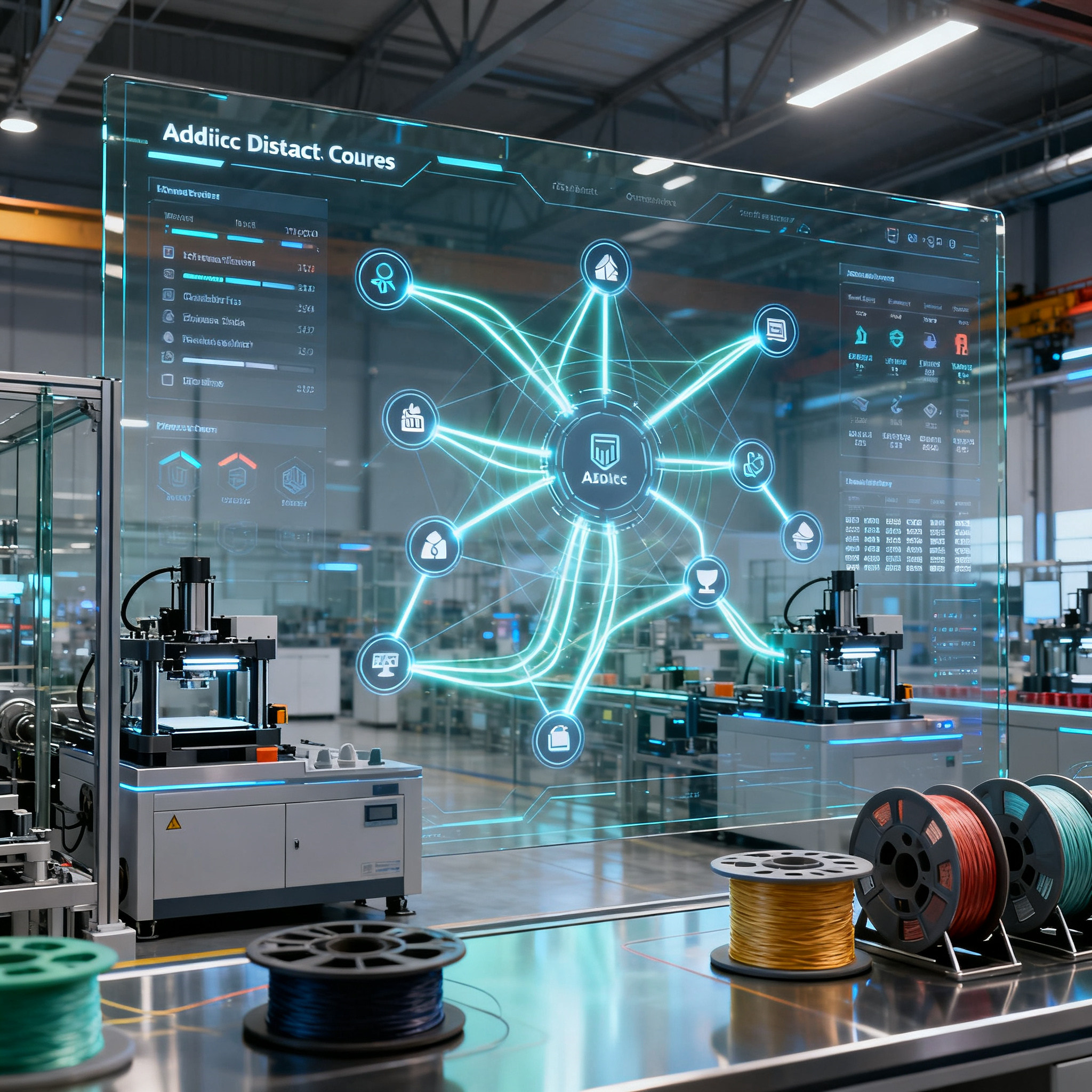
3 tools that cut setup times by up to 70%
In the 3D printing industry, choosing the right slicing and management tool can make the difference between an unorganized machine park and an efficient production system. The ability to coordinate multiple printers, optimize downtime, and manage materials centrally determines the actual productivity of a farm.
Managing the fleet: dedicated production software
Professional solutions allow you to coordinate multiple printers in a production environment through centralized queues, automatic dispatch, and real-time performance monitoring.
There are specific platforms for those who manage fleets of printers. SimplyPrint offers printer control, filament management, print queue, integrated slicer, and the ability to start the same file on multiple machines simultaneously. This function drastically reduces setup times when replicating identical batches.
3DQue with AutoFarm3D works on print farm automation with centralized queue and automatic dispatch. The system collects plant statistics and allows you to plan jobs based on machine availability.
- Centralized queue with automatic dispatch to available machines
- Simultaneous start of the same file on multiple printers
- Usage and performance statistics of the plant
- Real-time monitoring of the status of each machine
Smart integration: slicing and real-time management
Combining the preparation process with operational monitoring reduces delays and enables decisions based on real-time data on material availability and machine status.
The real leap in efficiency occurs when the management system integrates with material planning. 3D Print Manager connects spools, costs, and planning in a single environment. It is not born just as a control panel, but as a system to know where the material is, how much remains, and what the economic impact of the work will be.
Integration with Home Assistant allows for automatic detection of the start, completion, and failure of a print. The system updates jobs and consumption without requiring manual intervention from the operator. This eliminates dead times caused by lack of planning or depleted spools.
The problem is not just seeing if a printer is working. It is necessary to know if the next job can start with the available material, if a spool is already reserved for another order, and if a machine will remain idle due to lack of coordination.
| Function | Basic management | Advanced integration |
|---|---|---|
| Status monitoring | Manual | Automatic |
| Consumption update | At end of print | Real-time |
| Material planning | Excel sheet | Synchronized database |
| Cost calculation | Estimated | Based on real data |
Compatibility and scalability: criteria for choice
Evaluating existing technologies and upgrade options without disrupting the current system is crucial to contain transition costs and keep production operational.
Compatibility with the existing machine fleet is the first evaluation criterion. The more closed the ecosystem, the higher the commercial risk. Solutions seeking adoption focus on retrofitting on widespread models or open architectures.
3D Print Manager offers three levels: Free (15 spools, 2 materials), Pro (1-5 printers, €3.99 per month) and Farm (6 or more printers, €14.99 per month as an early adopter). The Free version allows you to test the system without initial investment. Gradual scalability lets you add features as the number of machines grows.
The switch from an Excel sheet to an integrated system does not require immediate upheavals. It is possible to start with manual stock management and add automations progressively, reducing the risk of operational interruptions.
For environments with local control needs, there are LAN-oriented alternatives that reduce cloud dependency. This type of solution meets security and operational continuity requirements in contexts where internet connectivity is not guaranteed or where data must remain on-premise.
The choice must also consider the management of QR codes to identify spools. This practical detail reduces errors when more people work in the same environment and allows linking the physical spool to digital data: material, color, remaining weight, cost, and position.
Conclusion
The right choice between slicing and management tools can turn a disorganized laboratory into a lean production line. Integration between preparation, monitoring, and material management eliminates dead times and reduces human errors.
Analyze your current workflow: which solution can immediately improve your setup time? Start by mapping the real bottlenecks: are they unplanned filament changes, lack of visibility on machine status, or difficulty in calculating actual costs?
article written with the help of artificial intelligence systems
Q&A
How does SimplyPrint help reduce setup times when replicating identical batches?
SimplyPrint allows starting the same file on multiple printers simultaneously. This feature eliminates the need to manually upload the file to each individual machine. This way, setup times are drastically reduced when identical batches need to be produced.
What is the main advantage of 3DQue's AutoFarm3D for print farms?
AutoFarm3D automates print farm management through a centralized queue and automatic dispatch to available machines. The system collects facility statistics to schedule jobs based on the actual availability of printers. This optimizes machine utilization and reduces downtime.
How does 3D Print Manager improve material planning?
It links spool, cost, and planning in a single environment, making it possible to know where the material is located, how much is left, and what the economic impact of the job will be. Integration with Home Assistant updates consumption and jobs in real time without manual intervention. This prevents machine downtime due to depleted spools or lack of coordination.
Is it necessary to completely overhaul the existing system immediately to switch from Excel to integrated software?
No, the transition can happen gradually without immediate upheavals. You can start with manual stock management and add automations progressively. This approach reduces the risk of operational interruptions during the transition.
What practical criteria should be considered when choosing a management tool for a 3D printing farm?
It is essential to evaluate compatibility with the existing machine fleet and the gradual scalability of features. For environments with limited connectivity or security requirements, there are LAN-oriented solutions that do not depend on the cloud. Furthermore, QR code management for spools reduces human error and links physical material to digital data.