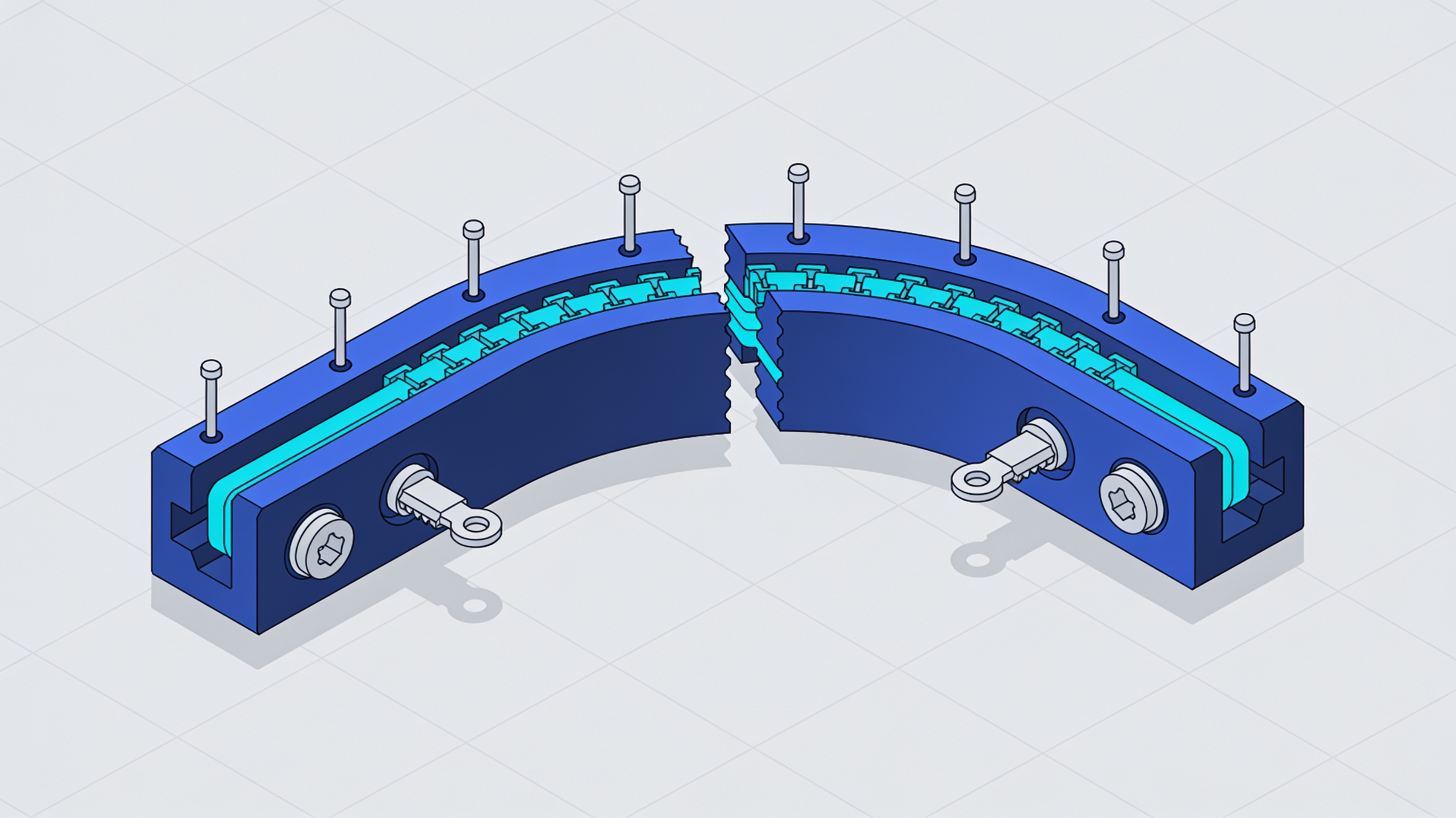
ModelSplitter: curved cuts and smart joints for 3D models directly in the browser
A new free web application promises to overcome the limitations of traditional planar cuts, introducing separations that follow the model's surface and automatic alignment systems.
Splitting a 3D model that is too large for the print volume is a common problem. Traditional methods rely on planar cuts, but this solution shows its limitations with organic and complex geometries.
ModelSplitter, available as a free public beta from October 2026, tackles the problem with a different approach. The application works directly in the browser and introduces tools for curved separations, custom joints, and automatic splitting.
- Full functionality in the browser without installation
- Support for STL and 3MF formats
- Curved cuts that follow the model's surface
- Pins, alignment keys, and magnet seats
- Automatic splitting based on print volume
Beyond traditional planar cutting
Conventional slicers use straight cutting planes. ModelSplitter introduces separation modes that follow the model's geometry.
The classic method intersects the model with one or more planes. It works well for technical objects, panels, and containers where the joint line can remain straight.
It becomes problematic with miniatures, statues, cosplay models, and organic geometries. In these cases, it is preferable to hide the seam along existing elements: belts, clothing edges, folds, or armor joints.
Available cutting modes
The software offers four different approaches to splitting, from manual cutting to automatic planning.
The Plane allows planar cuts that can be oriented on the X, Y, and Z axes or relative to the current view. It is the digital equivalent of the traditional method, but with greater visual control.
Multi-plane allows you to set multiple planes simultaneously and distribute them along the three axes. Useful for objects that require regular subdivisions in multiple directions.
Multi-plane car represents the qualitative leap. The user specifies their printer's build volume, either directly or via preset, and the software automatically proposes a series of optimized planes.
The Line introduces curved cuts: it allows you to draw a line on the model and build a separation path that follows the surface. This approach hides the seams along natural discontinuities in the geometry.
ModelSplitter is not a parametric CAD and does not transform triangular meshes into solids with feature history. It remains a tool oriented toward modifying mesh geometries for additive manufacturing.
Integrated assembly systems
In addition to separating, the software adds elements to facilitate the reassembly of printed components.
ModelSplitter allows you to add alignment pins and keys between parts. These elements ensure that the components fit together in the correct position during assembly.
The software also supports the provision of magnet housings. This solution is particularly appreciated for articulated or assemblable models that must be disassembled and reassembled frequently.
Compatibility and workflow
The application works with standard 3D printing formats and integrates into the existing workflow.
ModelSplitter imports and exports STL and 3MF files. The 3MF format retains additional information such as colors and textures, while STL remains the most universally supported format.
The generated files are compatible with PrusaSlicer and Bambu Studio. This ensures integration with the main slicing software used in the maker and professional community.
Considerations on input meshes
Not all 3D models are immediately ready for splitting, regardless of the software used.
The fact that a file can be imported does not mean that it is geometrically correct or manifold. This distinction is particularly important with 3D scans, organic models, or geometries generated by artificial intelligence.
Non-manifold meshes, with inverted normals or holes, can cause problems during cutting. Model preparation remains a critical step in the workflow.
Availability and access
ModelSplitter is currently available as a free public beta. Running in the browser eliminates installation requirements and makes the application accessible from any operating system.
The web-based nature of the application raises questions about data privacy and the need for an internet connection. It is not clear from the available information whether processing takes place locally or on remote servers.
article written with the help of artificial intelligence systems
Q&A
What is ModelSplitter and how does it work?
ModelSplitter is a free web application in public beta since October 2026 that allows you to split 3D models that are too large for the print volume. It works entirely in the browser, with no installation, and supports STL and 3MF formats. It offers planar cuts, multi-plane, auto multi-plane, and curved cuts with a line drawn on the model.
What are the differences between the Plane, Multi-plane, and Line cutting modes?
Plane mode creates planar cuts that can be oriented on the X, Y, Z axes or relative to the current view. Multi-plane sets multiple planes at the same time, distributing them across the three axes. Line mode introduces curved cuts by drawing a line on the model to follow the surface and hide the seams along natural discontinuities.
How does the Auto multi-plane automatic splitting work?
The user specifies their printer's build volume, either directly or via a preset. The software automatically proposes a series of optimized planes to divide the model. It is useful for objects that require regular subdivisions in multiple directions without manual positioning.
What joining systems does ModelSplitter offer?
ModelSplitter includes pins, alignment keys, and magnet slots to join the parts after cutting. These automatic alignment systems make it easier to reassemble the separately printed pieces. They are designed to ensure precision and stability in the joints.
Is ModelSplitter a parametric CAD or does it convert meshes into solids?
No, ModelSplitter is not a parametric CAD and does not convert triangular meshes into solids. It is a tool specialized in splitting models for 3D printing. Its features focus on cuts, joints, and automatic splitting planning.