Complete 3D Printing Guide for Beginners: Everything You Need to Know
Introduction to 3D Printing for Beginners
3D printing is becoming increasingly accessible, but approaching it for the first time can be intimidating. This guide walks you through the fundamentals, from choosing a printer to your first successful prints, avoiding the so-called “hobby burnout”: the frustration that drives many newcomers to give up after a few weeks. The goal of this text is to provide you with the essential knowledge to start off on the right foot.
Types of 3D Printers and How to Choose Your First One
Choosing the machine is crucial. For beginners, FDM (Fused Deposition Modeling) printers are the best option: affordable and easy to manage. Consider the useful print volume, ease of calibration, and the support offered by the online community. Recent models integrate automatic functions that speed up the initial setup.
Basic Materials: PLA, ABS, and Simple Alternatives
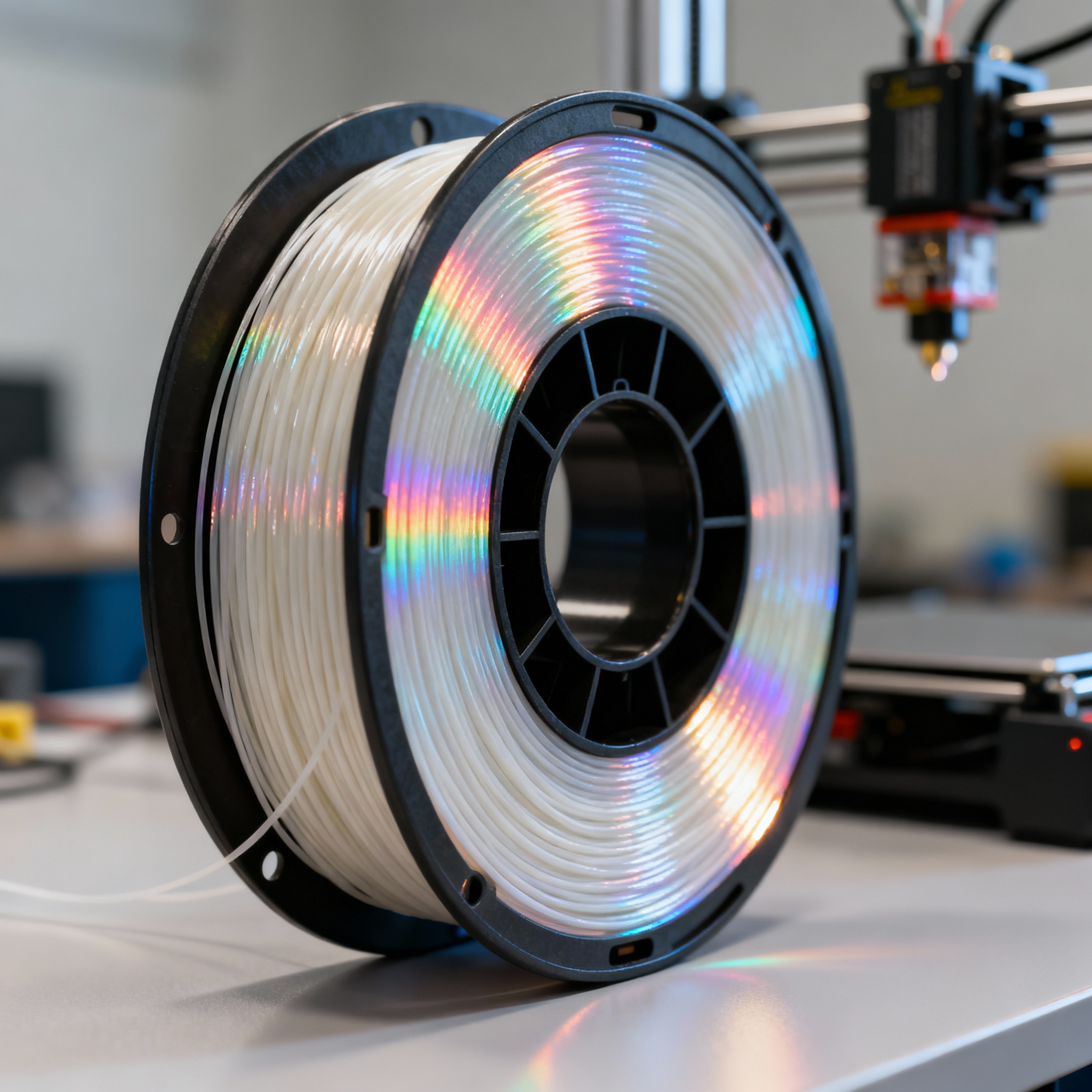
PLA (Polylactic Acid) is the material recommended for beginners: biodegradable, easy to print, and free of harmful fumes. Unlike ABS, it does not require a heated bed and “forgives” many errors. Print at 190-220 °C with excellent bed adhesion. Investing in quality filaments proves useful: the difference in the final result justifies the slightly higher cost.
Preparing the 3D Model: Free and Intuitive Software
Before printing, the 3D file must be “sliced” by software that translates the model into instructions for the machine. There are numerous free and user-friendly options; they allow you to control layer height, speed, and supports. Many programs include pre-set profiles for specific printers, reducing manual configuration.
Beginner-Friendly Settings
Correct parameters distinguish success from frustration. Start with conservative values: 40-60 mm/s speed, 0.2 mm layers, and 20% infill. Balance quality and time, limiting errors. With experience, you can modify settings to optimize results and speed.
From design to actual printing: first practical steps
From assembly to the first successful print, patience is required. Dedicate time to bed calibration: it is the key step. Start with simple objects, without complex supports. Avoid jumping into overly ambitious projects: build skills gradually, tackling one new variable at a time.
Troubleshooting the most common issues
Even with the best preparation, you will encounter hiccups. Insufficient adhesion, corner warping, and stringing between parts have simple remedies: clean the bed, adjust temperatures, or modify retraction. Note problems and solutions: you will create a valuable personal archive.
Basic maintenance and safety
Regular maintenance = longer life and consistent prints. Clean the nozzle, lubricate moving parts, check belt tension. Operate in a ventilated area, never leave the printer unattended during initial tests, and keep flammable materials away. Even safe PLA requires an orderly environment.
Next steps in the world of 3D printing
Master the basics, and you will be able to explore PETG, TPU, multicolor prints, or custom models. Proceed gradually, celebrate small progress, and do not be discouraged by inevitable failures. 3D printing rewards patience and curiosity, transforming beginners into makers capable of bringing every idea to life.
article written with the help of artificial intelligence systems
Q&A
Why is PLA the recommended material for 3D-printing beginners?
PLA is biodegradable, emits no toxic fumes and does not need a heated bed. It forgives many tuning mistakes and adheres well to the bed at moderate temperatures (190-220 °C), reducing initial frustration.
What software is required before starting a print and what does it do?
A slicing program is needed; it translates the 3D file into G-code instructions for the printer. Free, user-friendly versions let you choose layer height, speed and supports, often with pre-set profiles for your printer model.
Which basic parameters should a beginner use for first prints?
Speed 40-60 mm/s, 0.2 mm layer height and 20 % infill. These conservative values balance quality and time, limiting errors; you can change them only after gaining some experience.
What is “hobby burnout” and how can it be avoided?
It is the frustration that drives newcomers to quit after a few weeks. To avoid it, start with simple objects, progress gradually and write down problems and solutions, building skills step by step.
What maintenance tasks are essential for an FDM printer?
Periodically clean the nozzle, lubricate the rods and check belt tension. Regular maintenance extends machine life and ensures reliable prints.