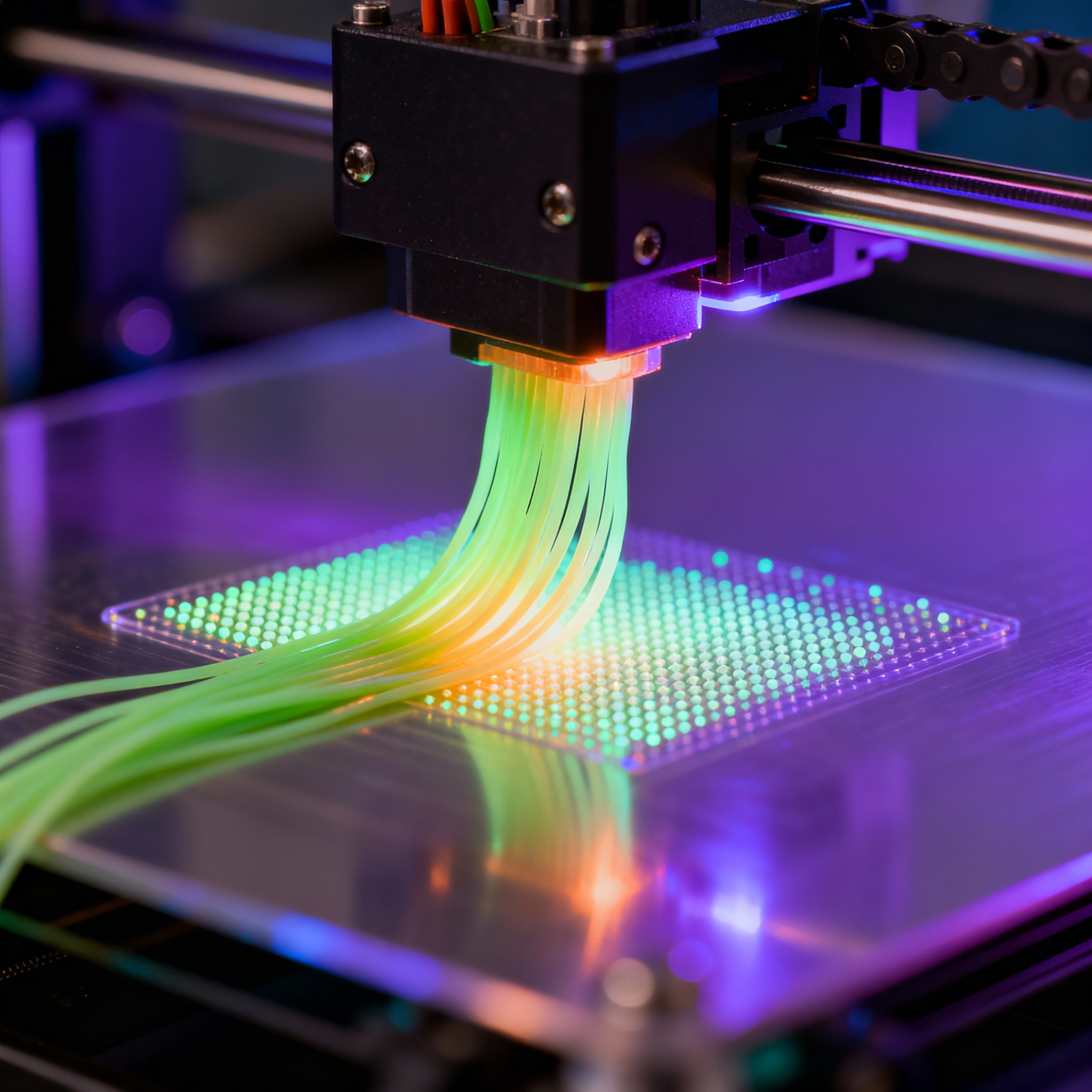
Complete guide to 3D printing for consumer and hobby projects
Introduction to the Fundamentals of 3D Printing
3D printing is an accessible technological revolution that transforms digital ideas into tangible objects, making customized production economically advantageous. Current solutions can be 20% to 40% more cost-effective than traditional alternatives.
In 2025, technology continued to expand into sectors such as medicine, automotive, and aerospace, demonstrating its maturity even for domestic applications; the advice for beginners is to understand the fundamentals before tackling complex projects.
The additive process deposits material layer by layer, offering design flexibility and reducing waste. It is essential to become familiar with calibration, bed adhesion, and temperature management.
Types of 3D Printers and Available Technologies
The market offers desktop printers for every need, with varying prices and performance. Among the 2025 novelties, the Prusa CORE One stands out, Prusa Research's first closed-frame CoreXY printer, designed to bridge the gap between hobby and professional use; it has already won the Red Dot Design Award 2025.
For multi-color printing, AtomForm has introduced the Palette 300: 12 nozzles, 800 mm/s maximum speed, and filament savings of up to 90%. The OmniElement system allows the use of 36 colors or 12 materials in a single print, improving material change efficiency by 50%.
Beginners can consider the Creality SPARKX i7, equipped with an RGB LED bar that shows progress in real-time and the CubeMe tool, which generates a 3D model from a portrait in a few seconds. It supports four colors simultaneously and reduces waste by 50% compared to traditional multi-color systems.
3D Printing Materials: PLA, ABS, and Alternatives
Material selection influences project success. PLA remains the most popular choice for beginners: easy to print, low-temperature, and biodegradable.
Protopasta collaborated with artist Olga Alexapoulou to create Quantum Dot filament, PLA infused with quantum dots that, under UV light, emit specific wavelengths, giving prints a luminescent effect. The technology, already used in displays and solar cells, demonstrates the growing sophistication of materials.
For greater mechanical and thermal resistance, ABS is used, but it requires a heated chamber. Other materials include PETG, TPU for flexible parts, and composites with carbon or wood fibers. Printers like the Palette 300 reach 350 °C in the hotend and 65 °C in the chamber, reducing warping and improving adhesion.
Essential software: from design to slicing
The workflow requires modeling and slicing software. PrintPal, launched in April 2025, surpassed 100,000 users in eight months. The AI platform generates 3D models from text or images, eliminating the typical complexity and cost barriers of CAD. It automatically handles mesh, optimization, and slicing, and offers a marketplace and academy with free courses.
Meshy AI Creative Lab transforms generative models into ready-to-print color files, repairs geometry, and recommends materials, finishes, and slicing settings based on the intended use.
Practical projects for beginners
After the classic “Benchy,” a collection of 30 easy projects allows for the development of specific skills. An example is Cruise Cup, a six-figure e-commerce business started by an eighteen-year-old that reached 300,000 in sales in November 2025, starting from a bedroom with desktop printers and moving to a warehouse with over 130 machines.
It is advisable to start with simple functional objects—holders, stands, hooks—then move on to multi-material prints, mechanical components, and complex supports, gradually increasing the difficulty.
Troubleshooting and solving common problems
Modern printers integrate AI for real-time error detection. The most common defects are poor adhesion, warping, stringing, and under-extrusion, related to temperature, speed, calibration, or filament quality.
Xiamen University and UC Berkeley have developed a support-free thermosetting printing method: Direct Ink Writing combined with laser polymerization solidifies the material upon extrusion, enabling “in-air” printing.
Post-processing is crucial: resins require washing and curing, FDM prints need sanding, painting, or thermal treatment.
3D Printer Maintenance and Care
Regular maintenance ensures consistent quality and longevity. For FDM: nozzle cleaning every 100-200 hours, monthly axis lubrication (if the movement type requires lubrication), belt tension check, bed calibration. For resin: tank cleaning, FEP film replacement, filtering of residual resin.
LPBF systems for metals require more complex procedures; the Mastrex MX series makes industrial metal printing accessible starting from 39,000 € for the MX100 model.
Supply Sources and Online Communities
Thingiverse, Printables, and MyMiniFactory offer millions of free models; marketplaces like PrintPal allow sharing and selling designs. YouTube channels—such as Joel Telling's The 3D Printing Nerd—inspire new users. The “Between Layers” series by 3Dnatives features makers and engineers shaping the future of additive manufacturing.
For materials and spare parts, it is essential to choose reliable suppliers, avoiding issues related to low-quality products.
Conclusion and Next Steps in the World of 3D Printing
Consumer 3D printing has reached a maturity that makes it accessible to anyone willing to learn. Barriers continue to fall thanks to more reliable machines, intuitive software, and large communities.
The future points towards automation, AI, advanced materials, support-free printing, and multi-material systems. To get started, simply begin with simple projects, study the fundamentals, and actively participate in communities. With patience, practice, and curiosity, every maker can transform digital ideas into extraordinary physical objects.
article written with the help of artificial intelligence systems
Q&A
- What is the first fundamental advice for those approaching 3D printing?
- Before diving into complex projects, it is essential to understand the fundamentals: how the additive process works, how to calibrate the bed, and how to manage temperatures and adhesion. This foundation avoids costly mistakes and improves print quality.
- Which 2025 multicolor printer allows the use of up to 36 colors or 12 materials in a single print?
- It is the OmniElement system, integrated into the AtomForm Palette 300, which improves material change efficiency by 50% and reduces filament waste by up to 90%.
- Why is PLA the recommended material for beginners?
- PLA prints at low temperatures, does not require a heated bed or an enclosed chamber, is biodegradable, and has almost no odor, making the first attempts simpler and safer.
- What does PrintPal, the software platform launched in April 2025, do?
- PrintPal uses AI to generate 3D models from text or images, automatically repairs the mesh, optimizes slicing, and offers a marketplace and free courses; it has already surpassed 100,000 users in eight months.
- What is the most common error that causes warping and how can it be prevented?
- Warping is caused by non-uniform cooling of the part; it is prevented by keeping the chamber closed and heated (for ABS), using a heated bed, brim, and suitable adhesives, and correctly calibrating the nozzle-to-bed distance.
- How often should an FDM printer nozzle be cleaned and why?
- Every 100-200 hours of printing; a clogged nozzle causes under-extrusion, missing layers, and poor finish, so regular cleaning ensures a constant filament flow and consistent quality.