Complete Guide to 3D Printing for Enthusiasts and Consumers
Introduction to Home 3D Printers
Home 3D printing is now an accessible technology that transforms digital ideas into physical objects directly at home. If you have just received a 3D printer, understand from the start how to avoid so-called “hobby burnout”, the phenomenon where initial enthusiasm quickly turns into frustration.
Modern 3D printers are increasingly user-friendly, but they require patience and a methodical approach. The secret is to proceed step by step: first learn the basic operation of the machine, then experiment with simple projects, and finally explore complex applications. Many beginners give up precisely because they expect immediate professional results without dedicating time to learning the basics.
Types of 3D Printers for Personal Use
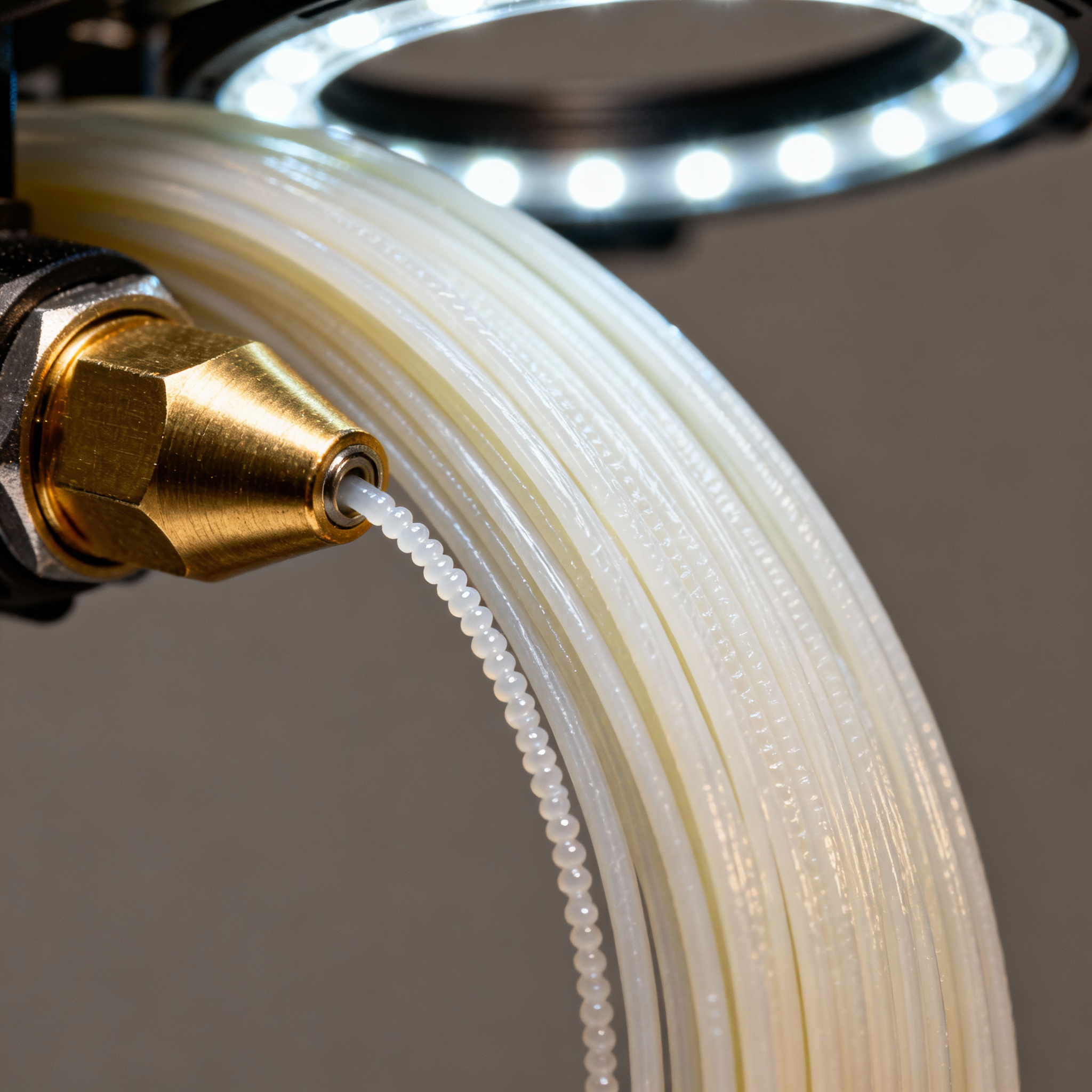
The market mainly offers two families of home 3D printers: filament printers (FDM/FFF) and resin printers (SLA/DLP). FDM printers are the most widespread among newcomers thanks to their low cost, simple maintenance, and safety of use; they deposit layers of molten plastic to build the object from the bottom up.
Resin printers use UV light to solidify a liquid photosensitive resin. They offer superior quality and fine details, ideal for miniatures, jewelry, and precision prototypes, but require greater attention in material handling and post-processing.
Manufacturers like Bambu Lab have launched machines with automatic nozzle change, designed for “lazy makers” who want professional results with minimal intervention. Anycubic proposes prosumer models that bring industrial reliability into the home segment.
Printing Materials: PLA, ABS, and Innovative Alternatives
PLA (polylactic acid) is the recommended filament for beginners: biodegradable, easy to print, odorless, and does not require a heated bed. It is perfect for decorative objects, prototypes, and gadgets, but has limited heat resistance.
ABS offers greater mechanical and heat resistance, suitable for functional parts; it requires higher temperatures, a heated bed, and good ventilation due to emissions.
Beyond the classics, we find PETG (chemical resistance), TPU (flexibility), composites with carbon fibers or wood, thermochromic filaments. In the professional sector, even more advanced materials are developed, including compounds for 3D printing cement that capture carbon.
Essential software for 3D design and printing
The process requires two categories of software: CAD to create or modify 3D models and slicers to convert models into instructions understandable by the printer.
For modeling, beginners can start with Tinkercad, a free and intuitive web application; those who want more control can move on to Fusion 360 (free for hobbyists) or Blender (open source).
Slicing is the crucial step: Cura, PrusaSlicer, or Bambu Studio allow you to set layer height, speed, temperature, infill, and generate G-code, the language the printer understands. Optimizing these parameters is essential to obtain quality prints and reduce times.
Initial setup and printer calibration
Once the machine is unpacked, verify that all components are correctly assembled and that there are no loose screws or belts. Many printers arrive pre-assembled, but a check is always recommended.
Bed leveling is the most critical operation: a perfectly leveled bed ensures that the first layer adheres correctly, an indispensable foundation for the success of the print. Some machines offer automatic calibration, others require the manual method of the “paper test”.
Also configure belt tension, Z-axis offset, and filament flow. Manufacturers provide detailed guides and test files: dedicating time to this stage prevents countless future problems.
Practical projects for beginners
Starting with simple projects is essential to gain confidence. Portals like Thingiverse, Printables, or MyMiniFactory offer thousands of free designs ready to print.
Ideal for first steps: keychains, desk organizers, smartphone holders, plant pots, simple gadgets. They require short times (1-3 hours) and allow experimenting with settings without wasting material.
Once experience is gained, one can move on to spare parts, custom cases, articulated toys, or detailed miniatures. The important thing is to proceed gradually, documenting successes and failures.
Maintenance and troubleshooting common issues
Regular maintenance ensures constant performance and extends the machine's life. Basic operations: cleaning the bed with isopropyl alcohol, lubricating linear rods, checking belt tension, cleaning the nozzle.
The most frequent problems for beginners: poor first layer adhesion (leveling or bed temperature), stringing (threads between parts, correctable with retraction), warping (corner distortion, preventable with adequate temperature), under-extrusion (insufficient extrusion, often due to a clogged nozzle).
Every inconvenience usually has a specific solution; forums, social groups, and video tutorials are valuable resources for diagnosis and remedies.
Safety and regulations for domestic use
Domestic 3D printing is generally safe but requires precautions. FDM printers reach high temperatures (up to 260 °C for the nozzle): keep the machine away from children and flammable materials.
Ventilation is fundamental, especially with ABS which emits potentially irritating fumes. Even PLA, while safe, produces ultrafine particles: placing the printer in a well-ventilated area or using HEPA filters is good practice.
Resin printers require additional precautions: liquid resin is toxic and requires gloves and eye protection. Post-processing must take place in a ventilated environment and waste must be disposed of according to local regulations.
Regarding legal aspects, it is important to respect intellectual property rights: it is not allowed to print and sell objects protected by copyright or patents without authorization.
Next steps in the world of 3D printing
3D printing is a constantly evolving hobby that offers infinite possibilities for learning and creativity. Once basic skills are acquired, many specialize in specific areas: parametric design, multi-color printing, advanced technical materials, cosplay or scale modeling.
Integration with other maker technologies – Arduino, Raspberry Pi, CNC machining – opens up even more interesting scenarios, allowing for complex projects that combine electronics, mechanics, and design.
To avoid burnout, it is essential to maintain a balanced approach: celebrate successes, learn from mistakes, remember that every expert maker was once a beginner. The community is welcoming and collaborative: with patience and constant practice, the newly unboxed box becomes the tool to transform any idea into tangible reality.
article written with the help of artificial intelligence systems
Q&A
- What is the first mistake that beginners make and that can lead to so-called “hobby burnout”?
- Many beginners expect professional results from the very first prints, skipping the learning of the basics. This unrealistic expectation transforms initial enthusiasm into frustration and leads to prematurely abandoning the hobby.
- How do PLA and ABS differ in terms of safety and ventilation in a domestic setting?
- PLA is odorless and biodegradable, but it still produces ultrafine particles: good ventilation or a HEPA filter is sufficient. ABS requires higher temperatures and emits potentially irritating fumes, therefore it requires forced ventilation and a heated bed.
- Why is bed leveling considered the most critical operation during initial setup?
- A perfectly leveled bed ensures that the first layer adheres correctly; if this layer fails, the entire print is compromised. Therefore, it is the indispensable foundation for the success of any subsequent project.
- What are the three most common problems a beginner encounters in the first FDM prints and what is the typical cause of each?
- 1) Poor first layer adhesion: incorrect leveling or too low bed temperature. 2) Stringing (strings between parts): insufficient retraction or excessive nozzle temperature. 3) Warping (lifted corners): thermal difference between layers and environment, solvable with a heated bed and an enclosed chamber.
- What needs to be observed regarding regulations when deciding to print objects for commercial purposes?
- It is prohibited to reproduce and sell objects protected by copyright, trademarks, or patents without the owner's authorization. Before starting sales, it is necessary to verify the intellectual property status of the 3D model and, if necessary, obtain explicit licenses.