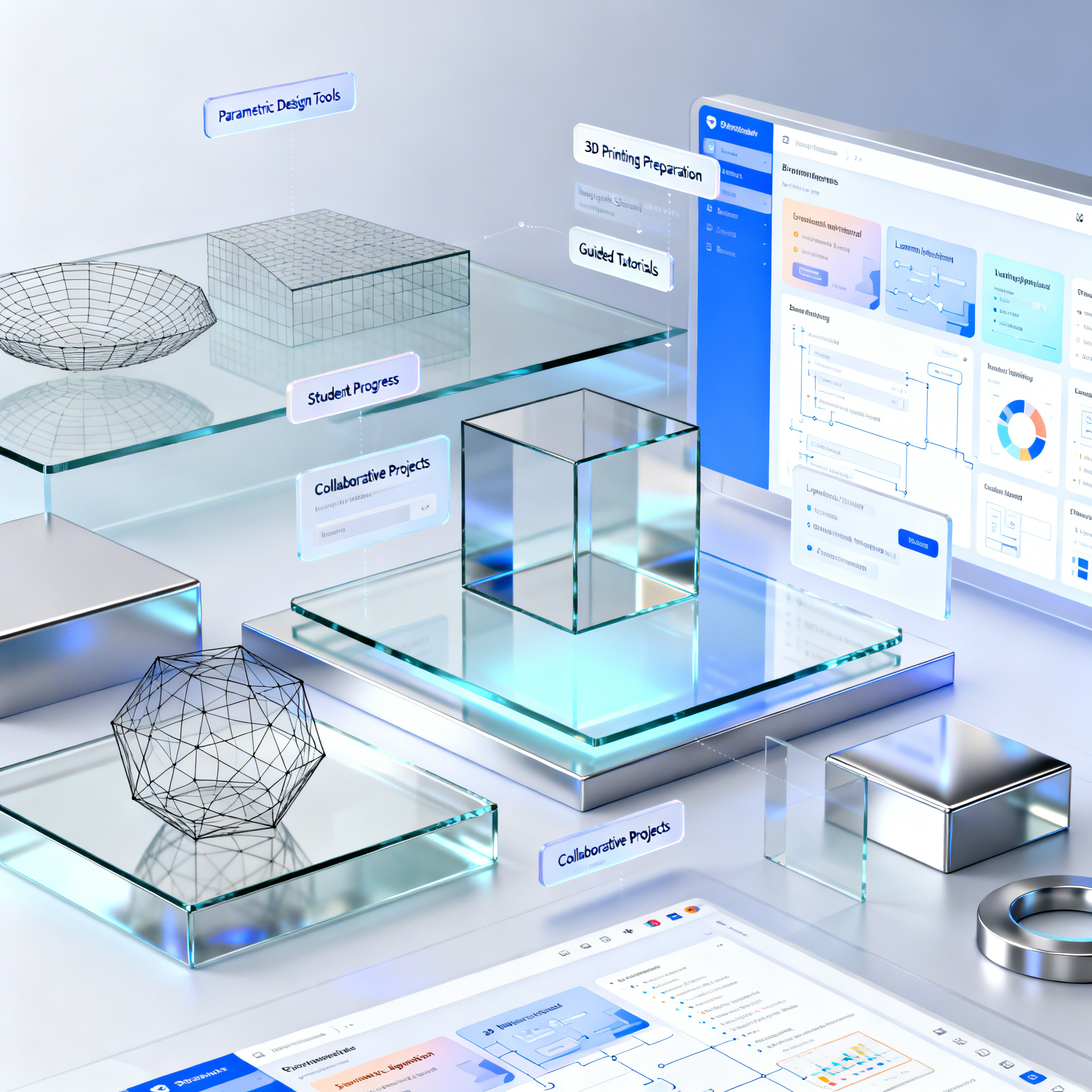
How 3D Modeling Tools Work for Youth Education
Discover how 3D modeling tools are revolutionizing digital teaching through visual and interactive approaches designed for the youngest.
Educational 3D modeling tools are today a fundamental resource for STEAM learning (Science, Technology, Engineering, Arts, Mathematics), transforming abstract concepts into concrete and manipulable experiences. These software combine intuitive interfaces, visual logic, and guided paths to make skills accessible to young people that traditionally required years of technical training.
The true didactic value emerges when digital design connects to 3D printing: students see their virtual creations transform into physical objects, developing a concrete understanding of dimensions, proportions, and technical limits. This complete cycle from idea to tangible object closes the circle of learning, making the educational process more engaging and effective.
Visual Teaching through 3D Modeling
The visual approach helps young people better understand complex concepts of mathematics and science thanks to the direct manipulation of digital shapes.
Educational 3D modeling is based on a fundamental principle: transforming abstract learning into visual and tactile experience. Students do not limit themselves to studying geometry in books, but directly manipulate digital cubes, spheres, and cylinders, combining them to create complex objects. This hands-on approach naturally develops spatial thinking and the understanding of three-dimensional relationships.
Interfaces are designed with large and recognizable icons, while interactive tutorials quickly guide to first models, often linked to game scenarios that keep motivation high. The basic logic is simple: one starts from elementary geometric shapes that can be united or subtracted from each other, allowing even primary school children to obtain gratifying results from the very first sessions.
Saving in the cloud and sharing of projects facilitate collaboration between students and allow teachers to monitor progress, transforming 3D modeling into a social activity as well as technical.
BlocksCAD: Visual Programming and Geometry in Practice
BlocksCAD combines block-based coding and 3D modeling to teach computational logic and geometric principles in an accessible way.
BlocksCAD represents a significant evolution in digital education, uniting 3D modeling and visual programming in a single environment. Instead of dragging shapes into space, students build models by assembling logical blocks that define transformations, boolean operations, and repetitions. This setup, closer to professional parametric CAD, makes the link between instructions and the generated form evident.
The approach is particularly effective for students attracted to math and coding, as it allows them to create complex objects by changing a few parameters. A cylinder can become a column simply by modifying the height in the code block, while a series of repetitions can generate complex geometric patterns with a few instructions.
The platform, completely browser-based and free, offers numerous tutorials and teaching materials aligned with math and computer science curriculum standards for primary and middle school. Teachers can manage classes and assignments directly within the environment, while students simultaneously develop programming and 3D design skills.
SelfCAD: From Design to 3D Printing in a School Environment
SelfCAD simplifies the workflow from model creation to physical fabrication, ideal for school labs.
SelfCAD positions itself as a more advanced tool, intended as a next step after introductory software. Its distinctive feature is the complete integration of the production cycle: it includes precise modeling tools, sculpting functions, and, above all, an integrated slicer that allows managing the entire design-preparation-printing process in the same environment.
This unification eliminates the fragmentation typical of traditional workflows, where students must switch from one software to another, often losing motivation and focus. In SelfCAD, the created model can be immediately prepared for printing, with visualization of necessary supports and estimation of production times.
The presence of interactive tutorials recordable directly within the software represents a significant innovation for education: the lesson creator defines each step, and the follower must reproduce the actions to advance, avoiding the constant pause/rewind typical of traditional videos. This mode increases student autonomy and reduces the burden on teachers. SelfCAD offers a free version with core functions, while Pro options are available by subscription with specific plans for schools.
Intuitive Interfaces and Support for Autonomous Learning
Tools with integrated guides and user-friendly design allow students to work independently, increasing teaching effectiveness.
The educational effectiveness of 3D modeling tools depends heavily on the quality of the interface and integrated support systems. Upon startup, educational software offers interactive tutorials that quickly guide users to their first models, often linked to gaming scenarios that capture the attention of young users.
Interfaces are designed to be extremely visual, with large, recognizable icons that reduce linguistic and cognitive barriers. Tools are organized logically, allowing students to progressively discover new features without feeling overwhelmed by complexity.
The ability to save and share projects in the cloud facilitates collaboration and creates a sense of community. Students can explore others' projects, stimulating creative imitation in a controlled context. For teachers, these systems offer classroom management functions that allow assigning tasks, monitoring progress, and providing feedback directly within the work environment.
Exporting to standard formats like STL guarantees compatibility with 3D printers of any brand, allowing schools to freely choose hardware without software constraints.
Conclusion
3D modeling software represents a powerful resource to make STEAM learning more engaging and accessible to youth. Combining intuitive interfaces, visual logic, and integration with 3D printing, these tools transform abstract concepts into concrete experiences, simultaneously developing technical skills, creativity, and logical thinking.
Explore some of the presented platforms and experiment with them in class to discover how they can transform your teaching method. The initial investment in training and equipment is quickly repaid by student enthusiasm and tangible learning results.
article written with the help of artificial intelligence systems
Q&A
- What are the main benefits of 3D modeling in youth education?
- 3D modeling transforms abstract concepts into visual and tactile experiences, facilitating the understanding of subjects like mathematics and science. It helps develop spatial thinking and allows the creation of physical objects through 3D printing, making learning more engaging.
- How does BlocksCAD contribute to teaching programming and geometry?
- BlocksCAD combines 3D modeling and visual programming, allowing students to build models using logic blocks. This approach makes the link between code and form tangible, fostering the learning of computational logic and geometric principles in a practical and accessible way.
- What advantages does SelfCAD offer in the school environment compared to other software?
- SelfCAD integrates modeling, sculpting, and slicing into a single environment, simplifying the transition from design to 3D printing. It includes recordable interactive tutorials that increase student autonomy and reduce the burden on teachers.
- How do intuitive interfaces improve learning with 3D tools?
- Interfaces with large icons, guided paths, and visual logic allow students to work independently from the first sessions. This approach reduces initial frustration and accelerates learning, keeping motivation high.
- How do the described 3D modeling tools favor collaboration?
- Thanks to saving and sharing projects in the cloud, students can explore and imitate each other's work, stimulating creativity. Teachers can monitor progress and provide feedback directly on the platform, creating a social and participatory learning environment.